1 Create an Application
The official provides an example application Connect App that has already integrated the Minigame Host SDK .
You can directly download Connect App to experience the functionality of the minigame host, or follow the steps below to create your application.
1.1 Create App
Select New Application in the application management interface. Fill in the application name, description, select tags, and upload an icon.
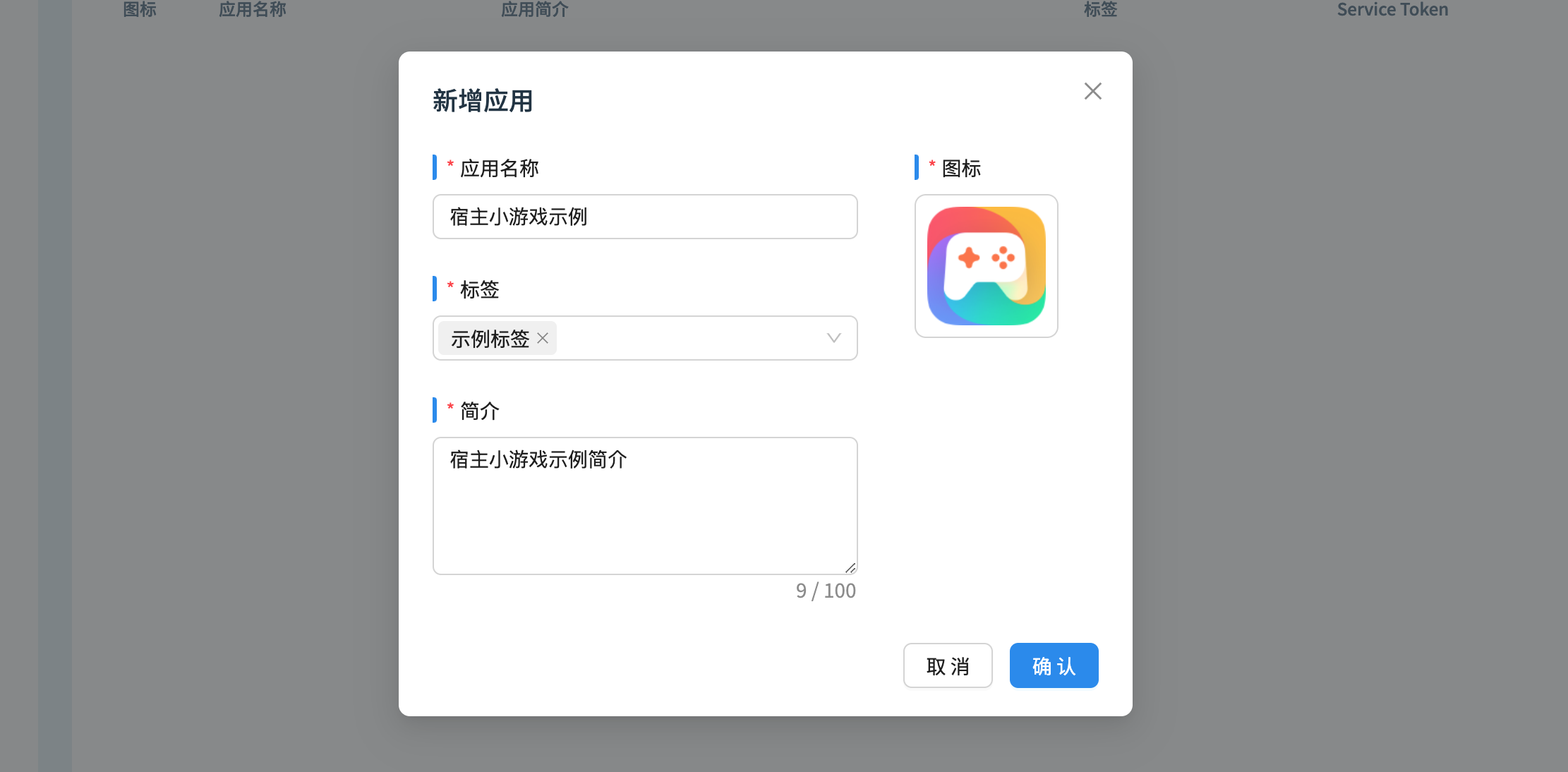
1.2 Create Application Package
After adding a new application, on the application management page, click the row where the application record is located to enter the application details page.
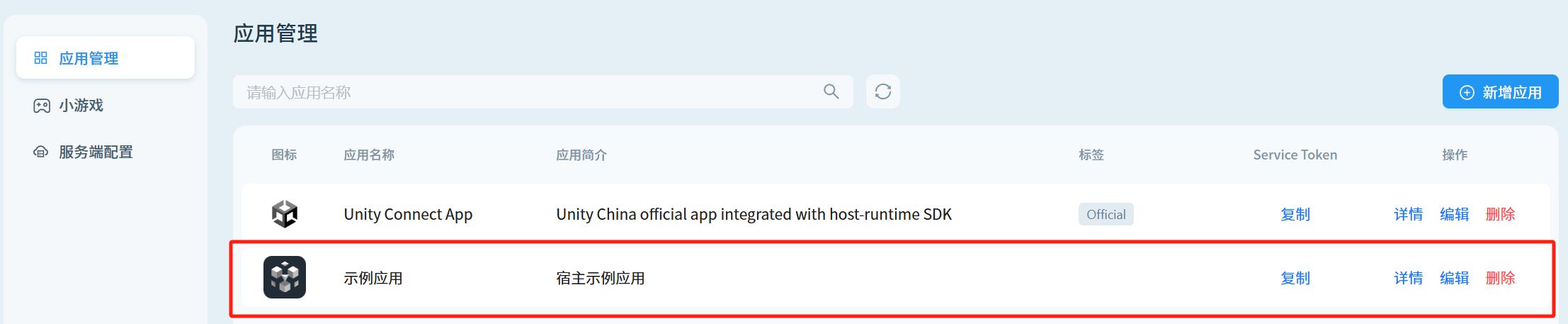
Click the Configure Bundle ID button, and fill in the application usage environment and Bundle ID name.
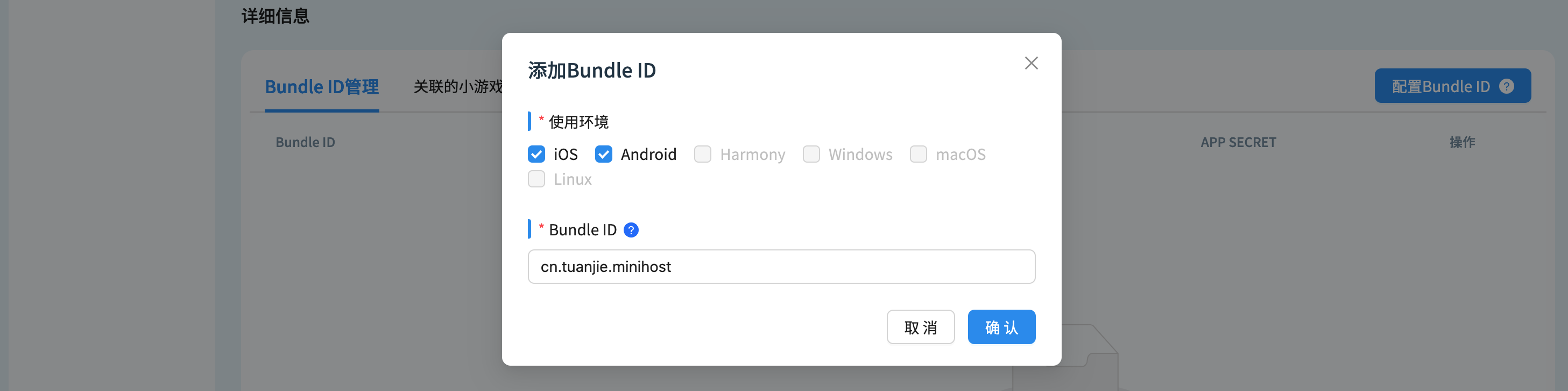
After creation, obtain it from the list APP Key Pair . The APP Key Pair is a necessary credential for initializing the Minigame Host SDK, starting the game, and other steps.

1.3 Obtain Server Token
Enter Server Configuration page, click Copy button to obtain the token.

The platform party that connects to the application can use this token to access the server-side interface of the host backend, such as using the token to obtain the list of minigames associated with the application.
1.4 Access Platform Applications
1.4.1 Android Quick Integration
1.4.2 iOS Quick Integration
See iOS QuickStart
1.4.3 PC Quick Integration
See PC QuickStart