1 Application Management
1.1 Host Application
In the minigame hosting platform, the hosting application usually refers to a third-party application platform that integrates the minigame hosting SDK.
The host is an integrated environment for running minigames. By integrating the minigame host SDK and combining it with the platform's management capabilities, developers can quickly build an application with the ability to run minigames.
The minigame hosting platform provides the following functions:
-
Add, modify, or delete host applications
-
Add a Bundle to the application, generate the APP key pair for the Bundle, delete and deactivate the Bundle
1.2 Host Package (Bundle)
The Host Application Bundle is an abstract concept in the Minigame Host Platform, where developers can add several Bundles to each host application, corresponding to different runtime environments.
A Bundle is associated with the actual package through the BundleID, allowing developers to quickly control the running state of the package corresponding to the Bundle on the platform:
-
After deactivating a Bundle on the platform, users will not be able to open the corresponding game in the app
-
After deleting the corresponding application, users who have already installed the application will also be unable to use it
The BundleID format consists of a series of strings separated by dots, where each string is composed of letters, numbers, hyphens, and underscores, and cannot begin or end with a hyphen or underscore.
1.3 APP Key Pair
APP Key Pair (APP KEY, APP SECRET) is a necessary credential for the host Bundle to access the minigame host platform.
To ensure that the host SDK in the Bundle can perform operations such as normal initialization and game startup,
Developers need to obtain the APP key pair generated for the Bundle on the platform and configure the corresponding APP KEY and APP SECRET in the Bundle.
Developers can obtain the corresponding key pair for the required host application package in the list on the application management details page.

1.4 Operating Procedures
1. Click theNew Applicationbutton on the Application Management page, fill in the application name, tags, description, and upload an icon.
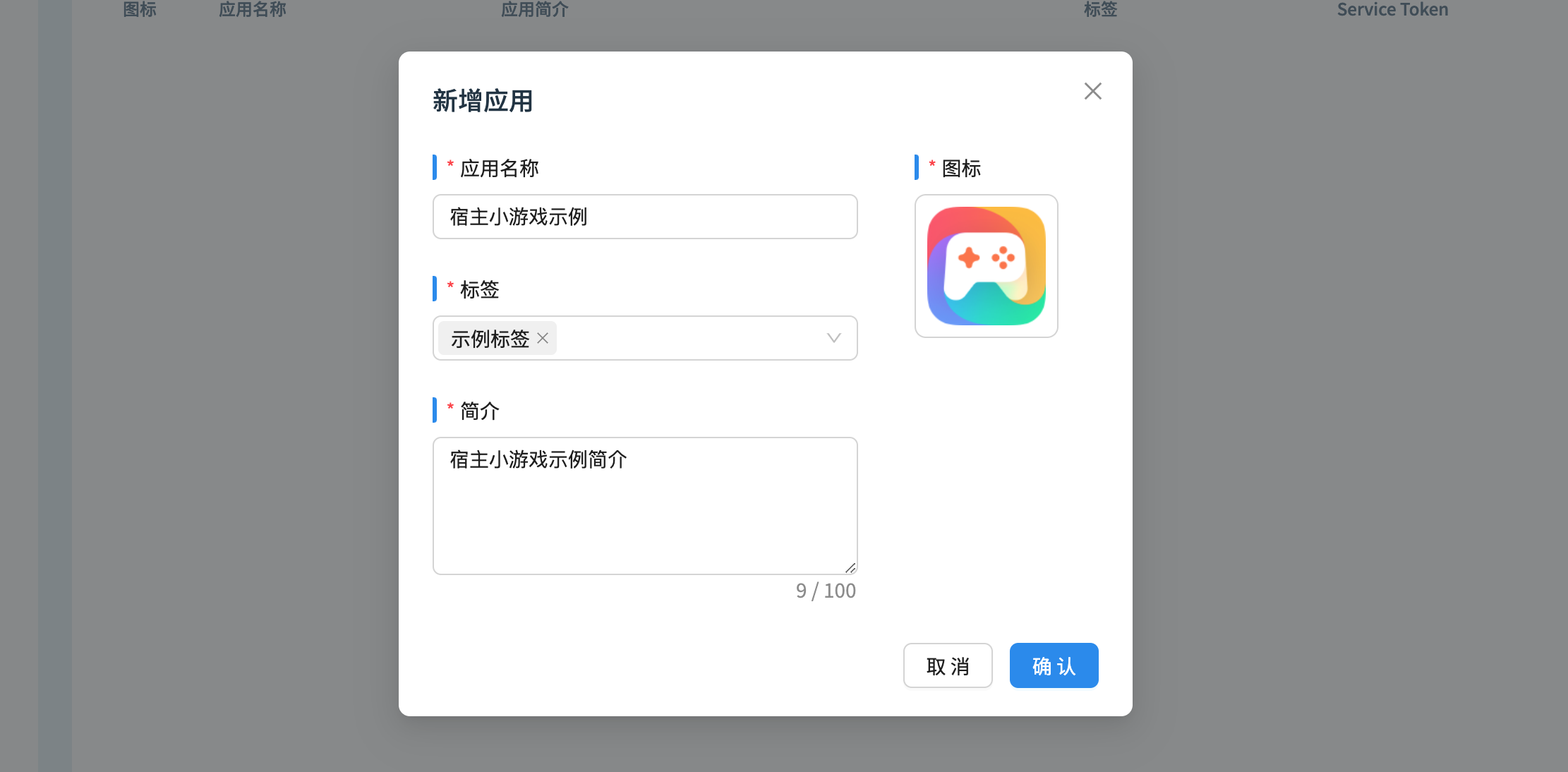
- Click on the newly added app to enter the app details page, manage the app, or associate Minigame
