6 Channel Association
The channel association feature allows developers to associate games with different distribution channels, ensuring that games can be properly published and distributed on various platforms. This document will detail the complete channel association process, various statuses, and related operational guidelines.
1. How to Perform Channel Association
Channel Association
Developers can perform channel association operations under the following circumstances:
- The game has not yet established an association relationship with any channel
- The game has never published a game package
When both conditions are met, the host platform will allow developers to perform channel association operations.

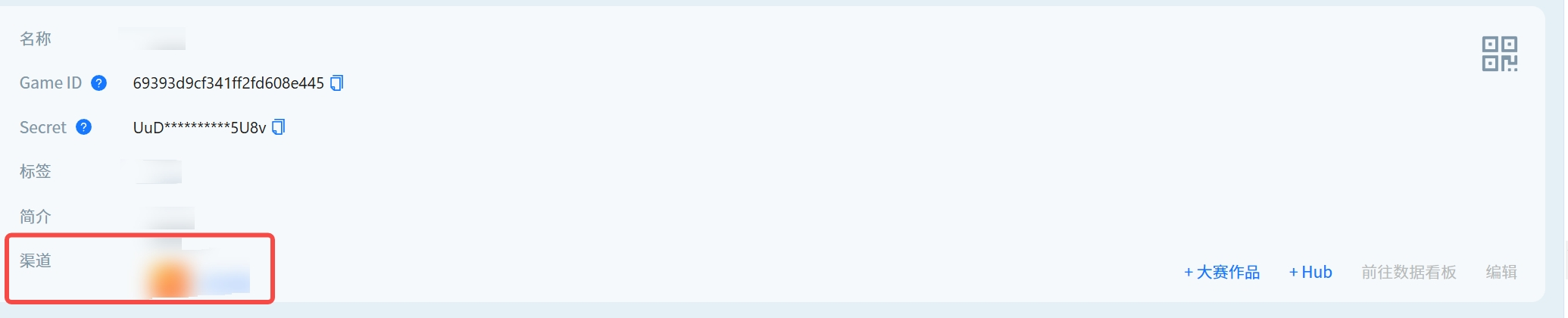
After successfully associating a channel, the game details will display the associated channels.
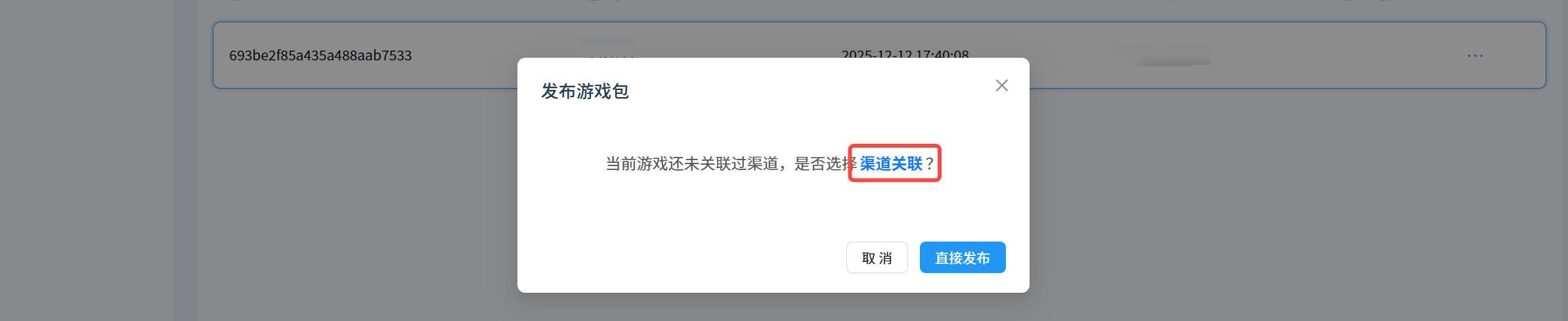
Association Reminder When Publishing Game Package for the First Time
When developers prepare to publish a game package for the first time, if it is discovered that channel association has not been performed, the host platform will pop up a reminder dialog box, asking developers whether to immediately perform channel association operations.
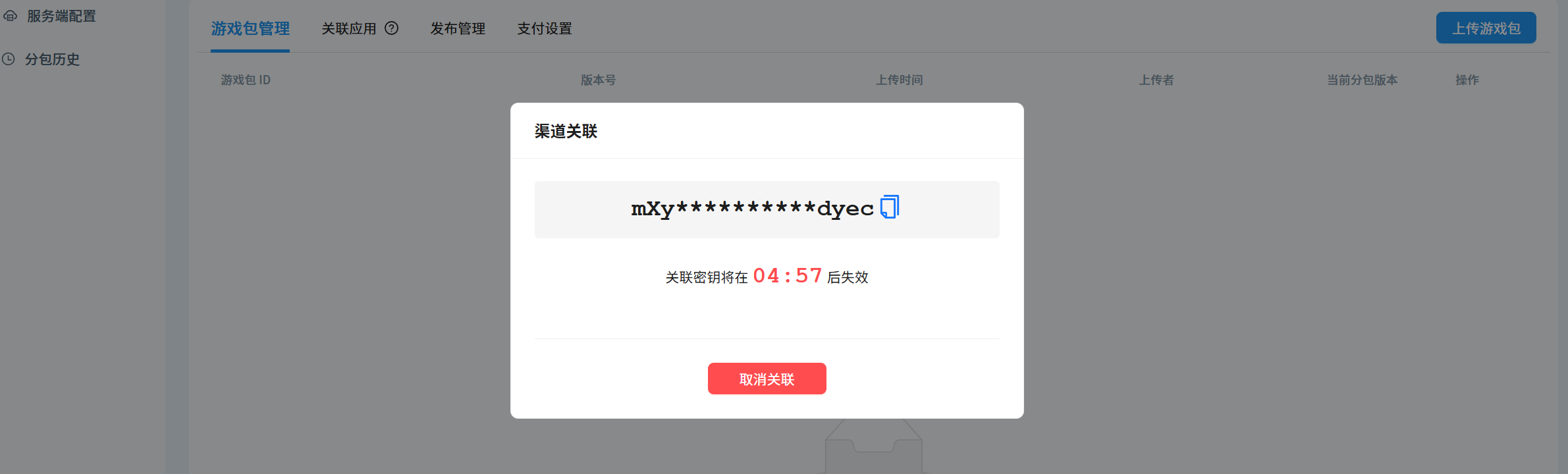
Channel Association
After clicking the "Channel Association" button, the host platform will generate a temporary key for identity verification. Developers need to copy this temporary key, then go to the association management page provided by the channel party, enter the temporary key to complete identity verification, and follow the channel party's guidelines to complete the subsequent association process.
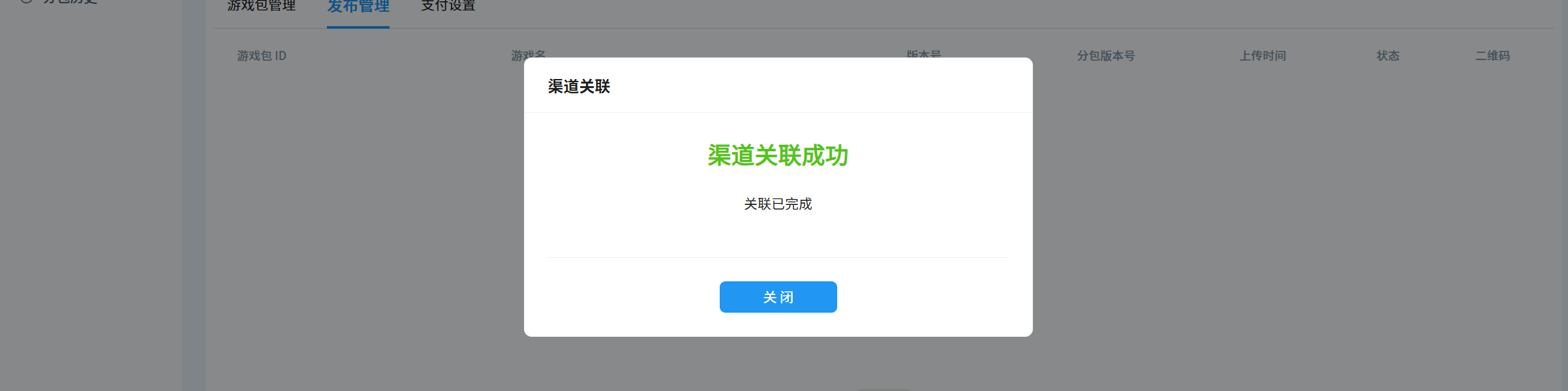
Successful Channel Association
After developers complete all association operations, the host platform will prompt that the association is successful, which means the game has successfully established an association relationship with the specified channel.
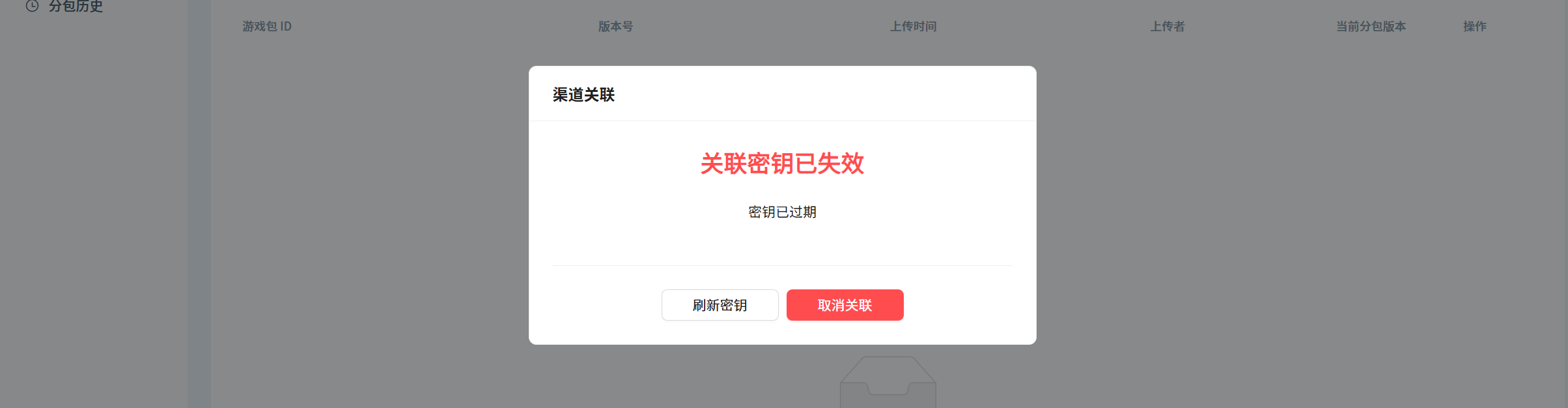
Channel Association Timeout
It should be noted that the temporary key has a time limit. If developers do not complete the association operation within the validity period, the key will expire, and the host platform will also display a timeout status. When encountering this situation, you need to obtain a new temporary key and re-complete the association process.
2. Game Package Review Status
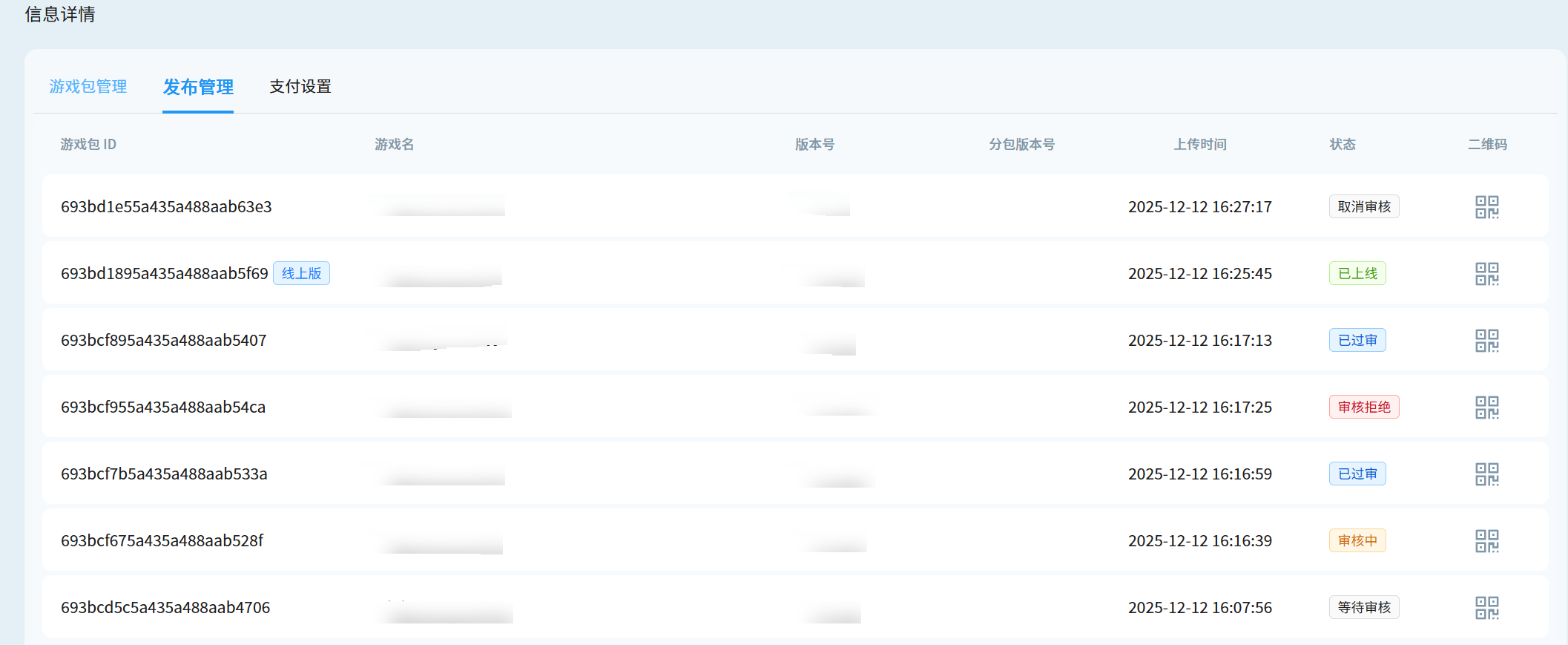
After channel association is completed, developers can track the review status on the publishing management page:
| Review Status | Description |
|---|---|
| Pending Review | Game package not submitted for review |
| Review Cancelled | Game package review cancelled |
| Under Review | Game package submitted for review, channel party is reviewing |
| Approved | Channel party approved the review, game package can be published |
| Review Rejected | Review not passed |
| Published | Game package is published |